Neo 0.1.3 speaks your language
Neo now comes in 44 languages, works whatever language X is set to, and stops second-guessing the Home tab you picked.
Until now, Neo spoke English, and parts of it only worked when X did too. Version 0.1.3 changes both.
44 languages, right to left included
The settings page, the toolbar popup, the quick controls on X, the notes on hidden posts, the download picker, and every message are now translated into 44 languages: every language X offers, plus Uzbek. Numbers, dates, and plurals follow each language's own rules.
Neo picks your browser's language by itself. To choose another, open Neo's settings and use Language at the top. Open X tabs switch right away, no reload needed. In Arabic, Persian, Hebrew, and Urdu, Neo's pages and panels are laid out right to left, switches included.
Works with X in any language
Neo used to find some of X's buttons, tabs, and menus by their English names. It now recognizes them by their structure, so these work whatever language X is set to:
- Stay with Following, and hiding reposts and ads
- Reply order, which didn't apply in Arabic or Japanese before
- The download button, which now sits next to Share in every language
- Share copies the link, Hide Grok, and Neo's place in X's More menu
We checked all of this on live X in English, Arabic, and Japanese.
Smaller things you'll notice
- Stay with Following switches to Following once when you open Home. Pick another tab yourself and Neo leaves it alone until you come back.
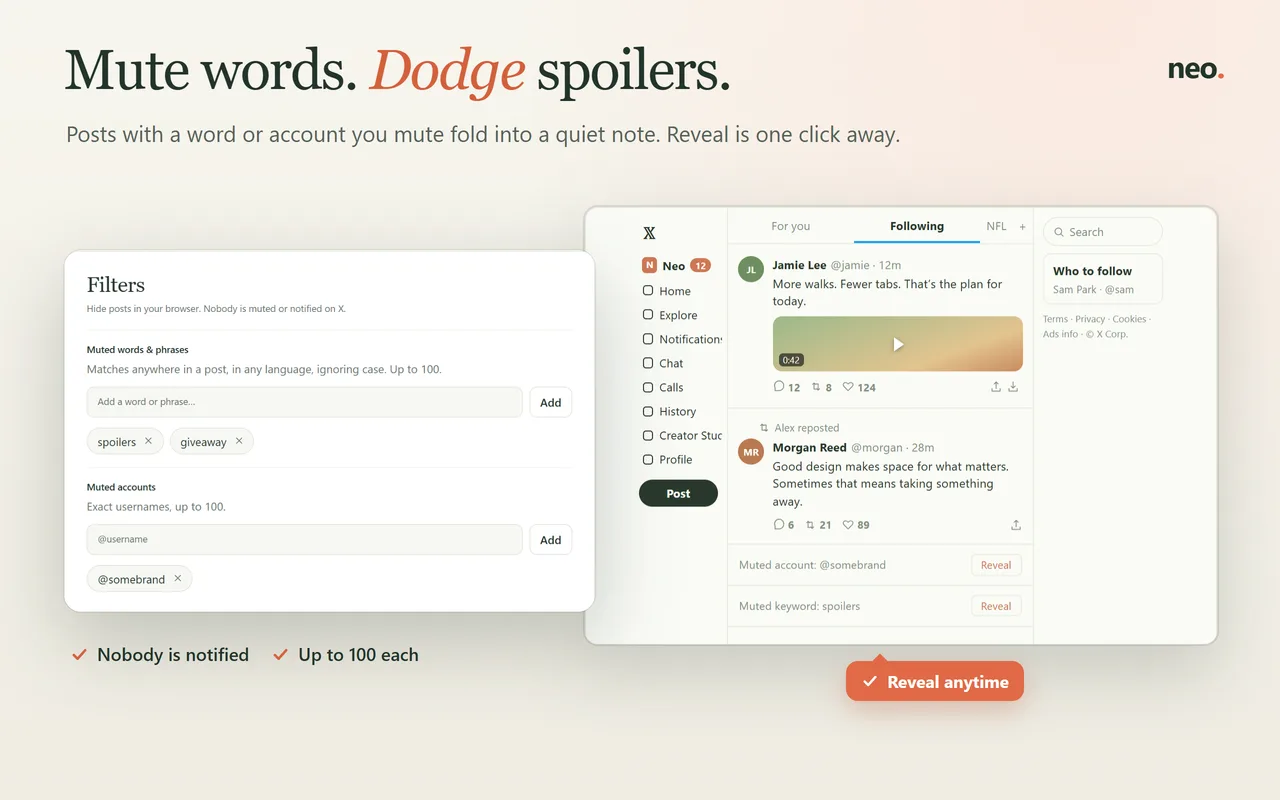
- Muted words match however a word is written: accented letters typed either way, full- and half-width characters, Greek, Cyrillic, German ß, and Turkish İ.
caféandcafestill count as different words. - Back works the first time after Neo sorts a post's replies for you.
- Ads are recognized by X's own ad markers. A post is never hidden just because it contains the word "Ad".
Getting it
0.1.3 is on the Chrome Web Store. Chrome updates Neo by itself, so there's nothing for you to do. The download on this site has it as well, and the website is in 44 languages too.